
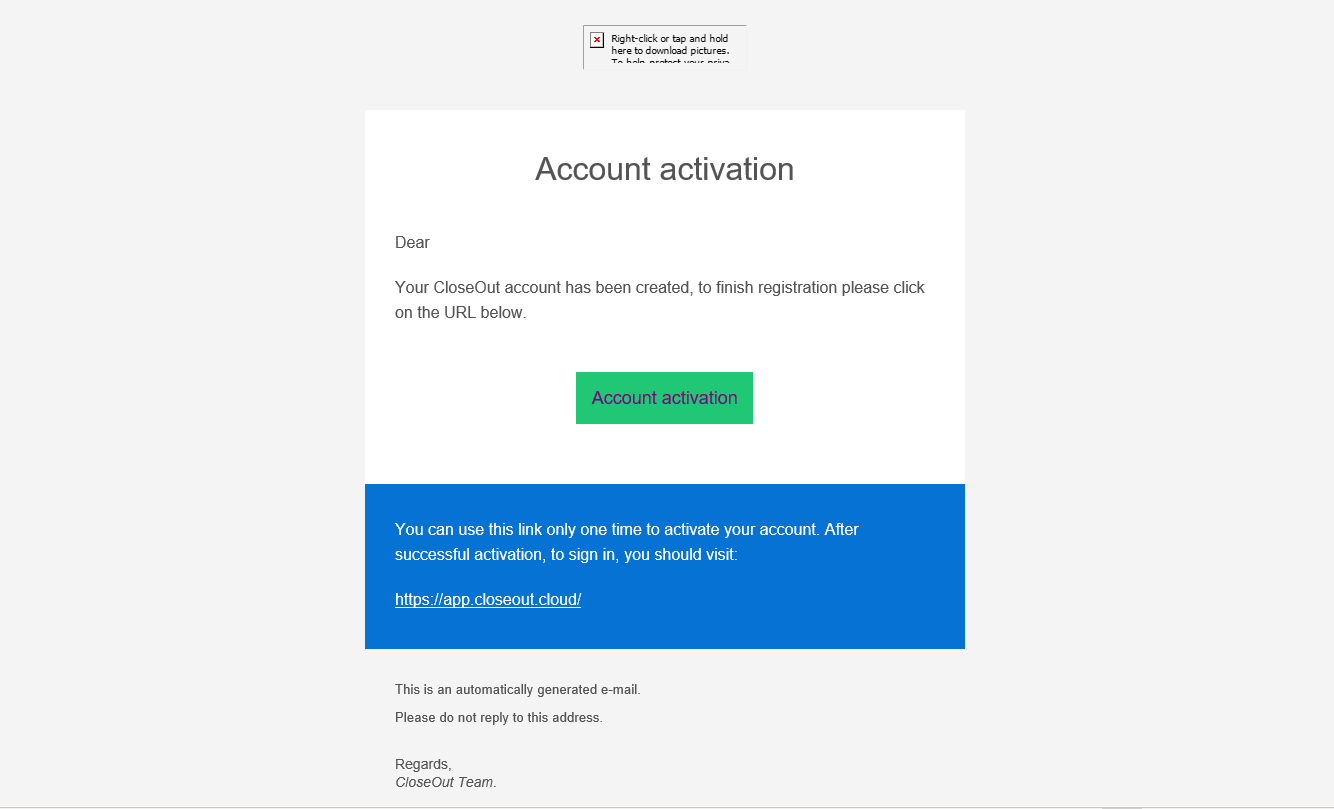
After your system administrator has created your account, you will receive an email to complete the registration process.
- Log in to your email.
- In your inbox, find the email sent from appsupport@closeout.cloud with the subject line "CloseOut - account activation."
- If you can't find the email in your primary inbox, please check the promotions, spam, bulk, and junk folders, or search for the email by typing the subject name.
- Follow the instructions and click the link in the email.
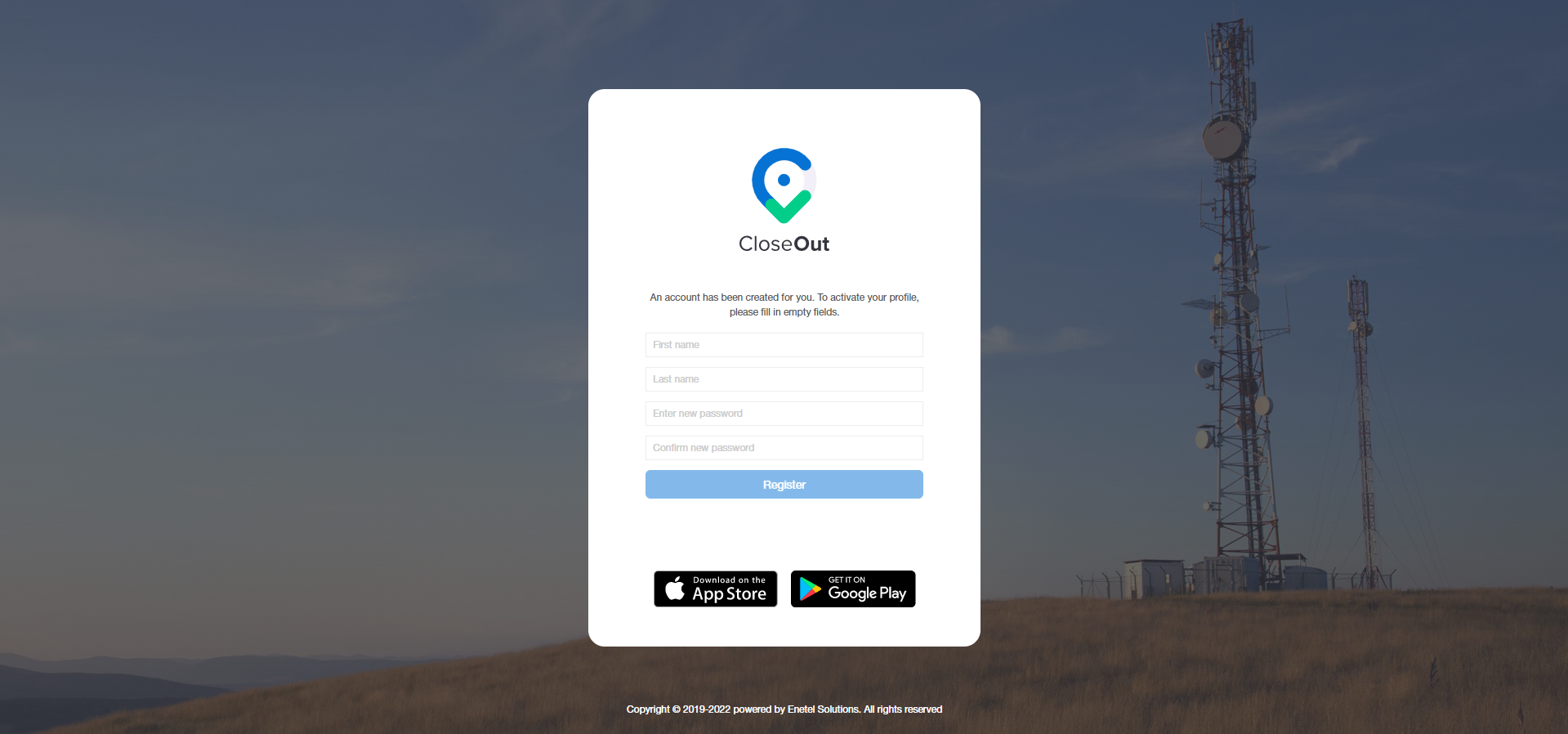
The link from your email will take you to a screen where you should enter your details (first name, last name, and password that you will use for the CloseOut app login). Repeat the password and click Register.
Important:
The activation, i.e., registration of the account, is done only once. After that, the link from the activation email that the user received from his system administrator should not be used.
Please download the mobile app from the Play Store or App Store. In the search bar, type in CloseOut (one word), select the app created by CloseOut FSM, and click Install. When the app is installed, you can log in with credentials that you have previously set.
To log in, you need to enter your e-mail address (not your name or last name, which is a common mistake) and the password set during the first activation.